 Skip to content
 Vouchers / Music
 Merch store
 Overview
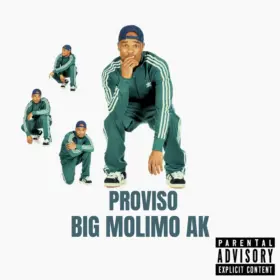 Big Molimo AK
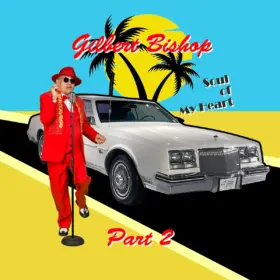 Gilbert Bishop
 Einwelt
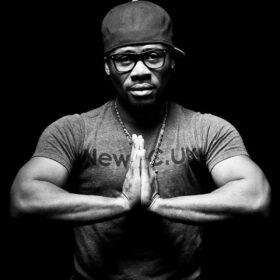 DGS
 Artist Talk
 Erich Kanli
 Grosses K
 D.O Double Dars
 Speaker
 Singer Female
 Singer Male
 Rapper
 Internship
 Internship AI artist
 Music producer
 Copywriter
 Dancer
Podcast
How to Record a Podcast: Preparing Your First Studio Session
 AI
Sep
! AI · Podcast conversation with separate microphones.
Good podcast recording preparation starts before you enter the studio. These seven preparation points cover your format, running time, notes, recording tracks, remote connections, export and permissions.
Your first studio session is booked. Now the useful questions begin: What should you prepare, how much time do you need, and what happens after the recording? Bring a clear outline and leave room for a natural conversation. This guide helps you plan the rest.
At a glance
- Plan the episode before you record: topic, structure, length, roles. No amount of equipment rescues an unclear concept.
- Record separate tracks – one microphone and one track per person. That gives you more control during editing.
- Export to a defined loudness target. Apple Podcasts states around −16 dB LKFS with a true peak of no more than −1 dBFS.
Podcast recording preparation: what to settle before the session
Before you think about microphones, settle the editorial questions. They determine how long your session takes – and therefore what it costs.
- Format: solo episode, interview, two-person dialogue or panel? Every additional person means another microphone, more level-setting and more editing.
- Episode length: 20, 45 or 60 minutes? For a finished 30-minute episode, allow roughly an hour for the conversation and retakes. Setup and sound check take additional time; around two hours of studio time can be a useful starting estimate. Agree the schedule for your format before booking.
- Structure: three to five key points per episode are enough. Write them as bullet points, not as prose. Bullet points often help you sound more natural than reading a full script.
- Roles: who hosts, who opens, who closes the episode? For interviews: who asks the questions, who watches the clock?
- Recurring elements: intro, outro, jingle, call to action. You produce these once and reuse them in every episode.
Practical tip: record the first question twice – once to warm up, once for publication. Then choose the version that sounds more relaxed.
Your podcast recording preparation checklist
Work through these points the day before at the latest:
✓ Bullet-point rundown for the episode (printed or on a muted tablet – paper rustles)
✓ Names, titles and pronunciation of your guests noted down
✓ Intro and outro wording decided
✓ Music and jingles sorted out – including the rights (more on that below)
✓ Clothing without rattling jewellery, no crackling fabrics
✓ Still water available
✓ Phones in flight mode, not just on silent
✓ For remote guests: a tech check the day before
Why separate tracks make such a difference
The most important technical difference between a home recording and a studio recording is rarely the microphone alone – it is the separation of the signals. Every person gets their own microphone and their own track. That gives you three things:
- Clean editing: throat-clearing, slips of the tongue or a phone ringing in the background can often be edited more precisely on an individual track. Sound picked up by several microphones still needs care.
- Even levels: quiet and loud speakers can be balanced independently afterwards.
- Better control of bleed: microphone position and room acoustics help reduce sound from other speakers. Separate tracks alone do not prevent it.
At Soundstarstudios we work with studio microphones such as the Neumann U87 Ai, the Sennheiser MKH 416 P48, the Shure SM7B and the DPA 4061; you receive every track as a download in WAV and MP3 (service page checked 23 September 2026). How microphone choice and room acoustics interact is covered in detail in our voice recording guide.
Bringing in remote guests cleanly
Not every guest is in Munich. For remote conversations:
- A proper connection instead of improvisation: we work with Zoom, Source-Connect, SessionLinkPro, Microsoft Teams and Google Meet. Agree in advance which route you will use.
- Headphones are mandatory: without them your voice comes out of the guest's speakers and back into their microphone. That can create echo and make editing harder.
- Cable beats Wi-Fi: a wired connection drops out less often.
- A quiet room: a room with a carpet, curtains and shelves sounds far better than an empty glass-fronted meeting room.
- Tech check in advance: a short test the day before helps spot connection and microphone problems.
Ready to plan your session? See the podcast packages or book a studio appointment.
Podcast recording preparation and the studio workflow
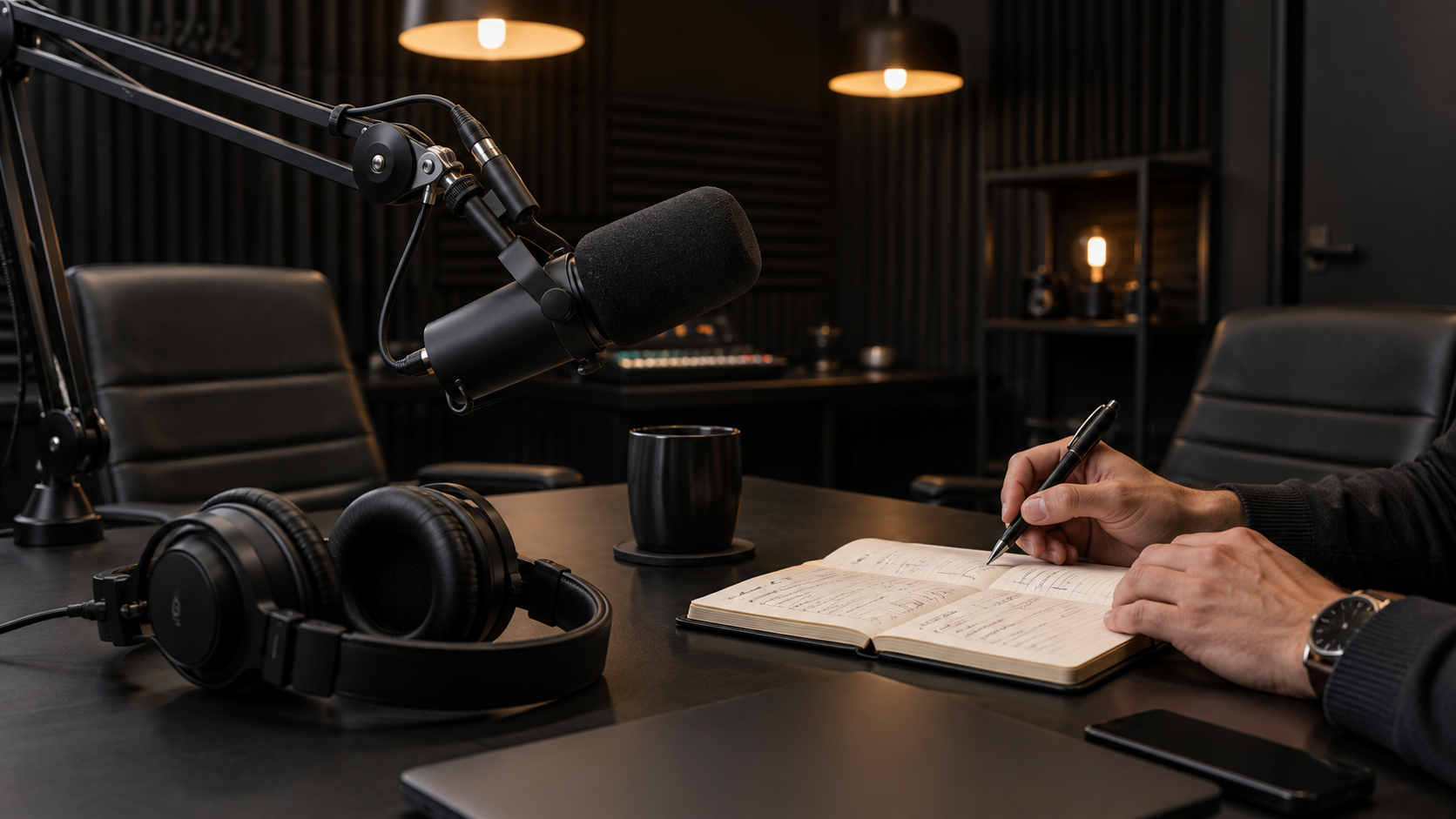
! AI · Notes, microphone and headphones for podcast preparation.

Four stages from briefing to the finished export. Exact timing depends on your format.
01 Arrival and briefing. You go through the running order, the sequence and the signals – for example how to stop a passage and restart it.
02 Setup and levels. Each person gets a microphone and headphones. The sound engineer sets levels so that loud laughter does not clip.
03 Test recording. One or two minutes of test conversation, listened back together. This is where you correct seating position, distance and volume.
04 Main recording. Speak at a normal pace and make deliberate pauses. After a stumble: wait a moment and start the whole sentence again – that makes editing far easier.
05 Post-production. Editing, noise removal, level matching, music and jingles. Mixing and mastering make sure the episode works on headphones, in the car and through a phone speaker.
06 Export and handover. You receive the finished episode and the individual tracks as a download.
Loudness and export settings: what platforms expect
After the recording, the export decides whether your episode sounds too quiet or too loud next to other podcasts. Use a documented target, then check the finished export:
- Apple Podcasts recommends an overall loudness of around −16 dB LKFS with a tolerance of ±1 dB and a true peak of no more than −1 dBFS. RSS feeds accept MP3 or AAC; the recommended bitrates are 64–128 kbps (mono) and 128–256 kbps (stereo) at 44.1 or 48 kHz. Source: Apple Podcasts audio requirements, checked 23 September 2026. In practice: a target of around −16 LUFS integrated is a solid starting point for speech-only podcasts. More important than the last tenth of a decibel is that all of your episodes are equally loud. If you have the post-production done in the studio, this step is handled there – you do not have to deal with measurement tools yourself. More on our audio mixing and audio mastering pages.
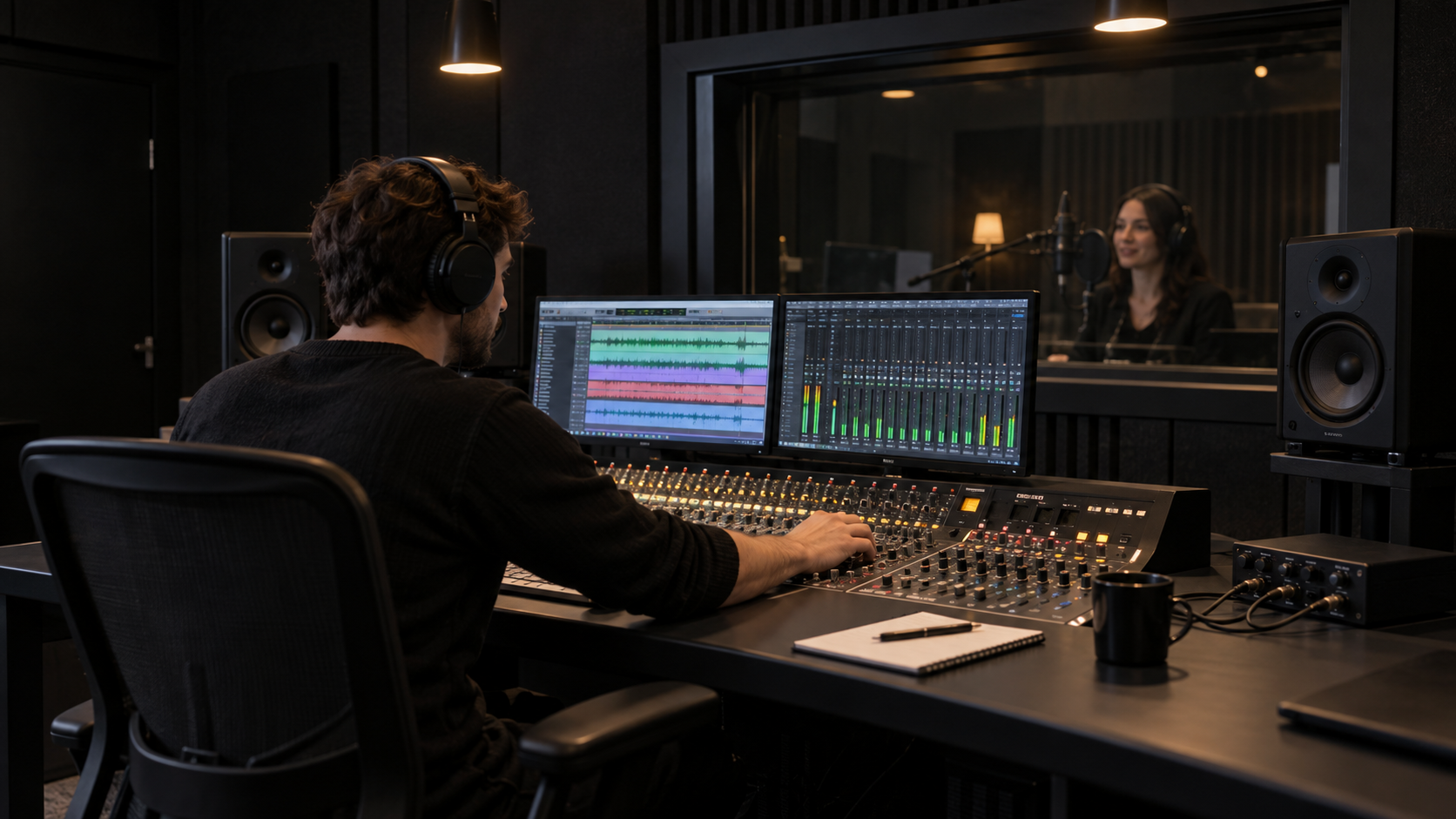
! AI · Audio engineer monitoring the recording at the mixing console.
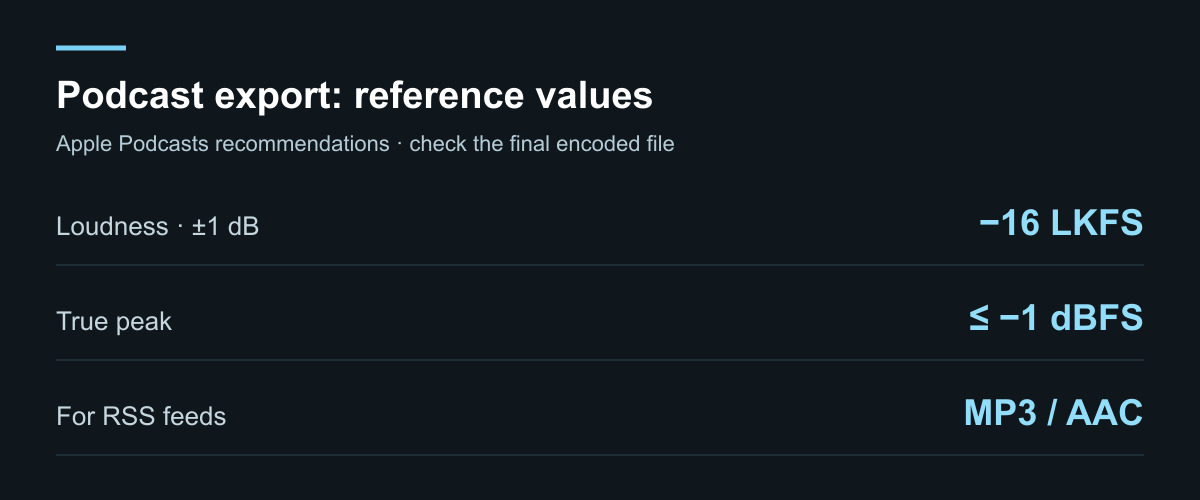
Reference values based on the Apple Podcasts recommendations. Check the encoded file before delivery.
Music, jingles and rights
A common stumbling block: you cannot simply drop music from streaming services or well-known songs into your podcast. You need usage rights for exactly that purpose. Check the agreed usage rights for:
- a purpose-made intro or audio logo with rights covering your intended use,
- music for which you hold a suitable licence.
A short, recognisable intro is the better solution anyway – it becomes part of your brand. We produce elements like these as an audio logo.
Video podcast: is it worth it?
Many formats are filmed as well, so clips can be used on social media. If you are planning that, think about three things in advance: clothing without fine patterns, an uncluttered centre of frame, and eye contact with the camera in the moments when you address the audience directly. For more elaborate setups we also offer green screen and livestream.
Common mistakes – and how to avoid them
- Too close to or too far from the microphone: keep the distance as constant as possible. Leaning back mid-sentence makes you suddenly quieter.
- Unplanned length: without a schedule, 30 planned minutes quickly become 90 – with editing effort to match.
- No thought about backups: ask what format you receive the raw tracks in and how long they remain available.
- Expecting too much from episode one: the first episode does not have to be perfect. It has to be intelligible, evenly loud and thought through to the end.
FAQ – podcast recording preparation
How long does it take to record an episode? For a finished 30-minute episode, plan for around two hours of studio time: setup and sound check, test recording, main recording with retakes. Experienced teams with a fixed routine are faster.
Do I need a studio, or is a good microphone at home enough? A good microphone helps, but it does not solve the underlying problem: the room. Some noise can be reduced afterwards, but results depend on the recording. A quiet, acoustically treated room gives you a better starting point. If your podcast represents you professionally, an acoustically treated recording booth is the safer route.
What do I need to bring to the session? Your bullet-point rundown, the names and pronunciation of your guests, any existing intro/outro files and – if you want to use music – information about the rights you hold. The studio provides the equipment.
Can guests join online? Yes. Remote recordings run via Zoom, Source-Connect, SessionLinkPro, Microsoft Teams or Google Meet; hybrid rounds with guests on site and online are possible.
What format do I receive the recording in? You receive all tracks as a download in WAV and MP3. For publication you will normally use an MP3 or AAC file that meets your platform's requirements.
How loud should the finished episode be? Apple Podcasts states around −16 dB LKFS (±1 dB) with a true peak of no more than −1 dBFS. Just as important: every episode in your series should have the same loudness.
What does a podcast recording cost? The Soundstarstudios podcast packages cost 99 € (60 minutes), 379 € (240 minutes) and 749 € (480 minutes). An extra half hour costs 49.50 €. All these prices are plus 19% VAT. All packages include the sound engineer, remote hosting and the download of every track (service page checked 23 September 2026).
Record your podcast in the studio
You would rather not produce your first episode at the kitchen table? Soundstarstudios in Munich records audio and video podcasts in studio quality – with a sound engineer, remote connection for guests and post-production.
👉 Book your podcast session or send us a no-obligation enquiry through the contact form. All details on packages and equipment are on the Audio Podcast page.
Last Updated on 24/09/2026 by SOUNDSTARSTUDIOS
